Compatible Templates
-
Nexus Portal - App UI Client Portal
-
Nexus Portal - App UI Partner Portal
-
Nexus Portal - App UI Home Screens 1
-
Nexus Portal - App UI Demo
-
Nexus Portal - App UI Knowledge Base
-
Nexus Portal - App UI Onboarding
-
Nexus Portal - App UI Course Login
Instructions:
- Go to Edit Page
- Paste "App UI: Cards 2 Column v1" into input
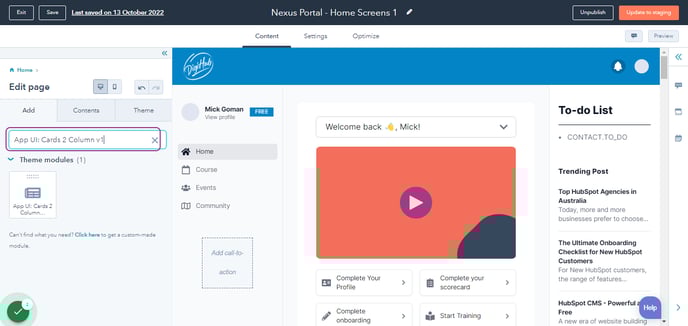
- Drag highlighted option
You can drop it anywhere in Drag and Drop Section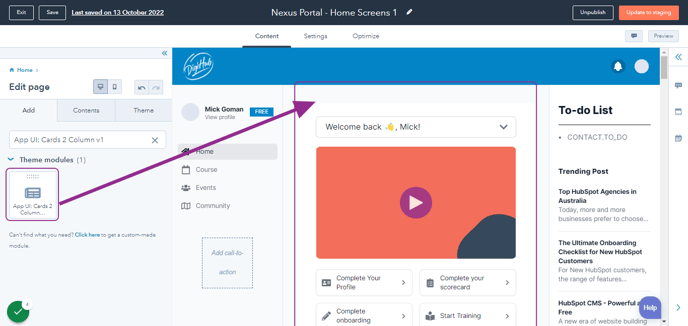
- Adjust Spacing
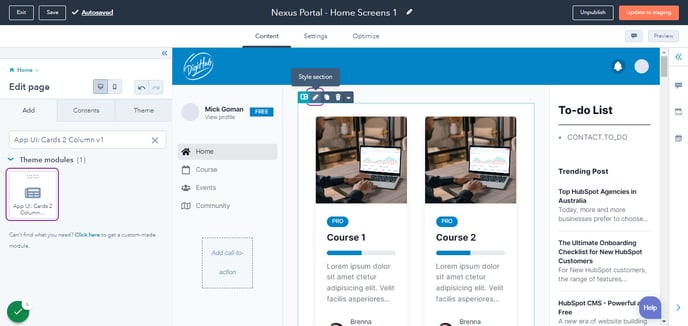
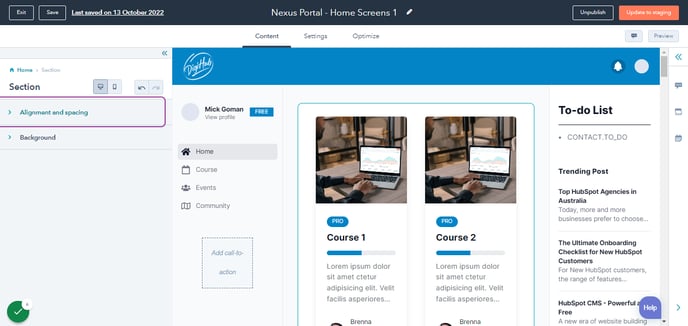
- Click on Alignment and spacing
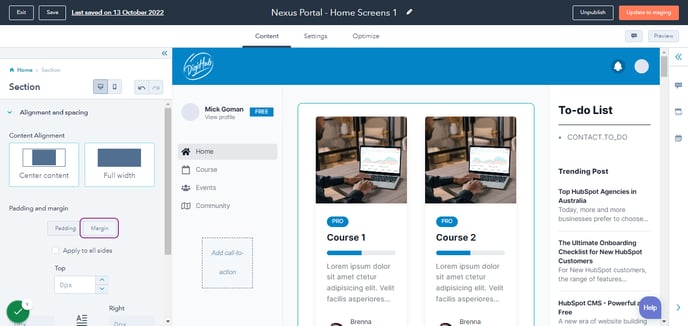
- Click on Margin
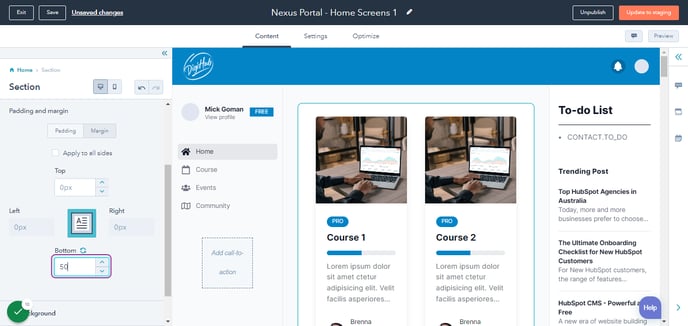
- Type "50"
- Click the Module
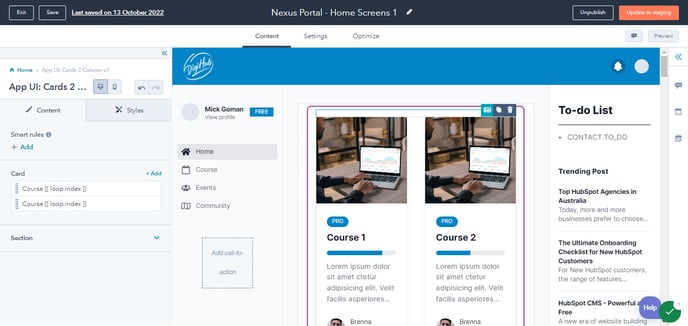
- Update any Fields
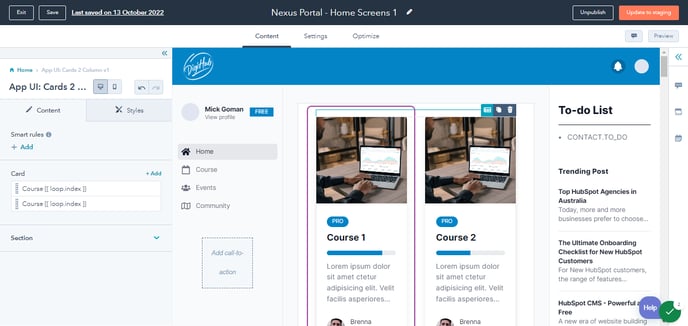
- Click on Card…
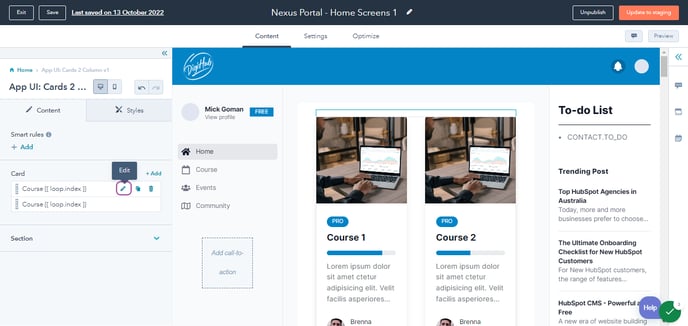
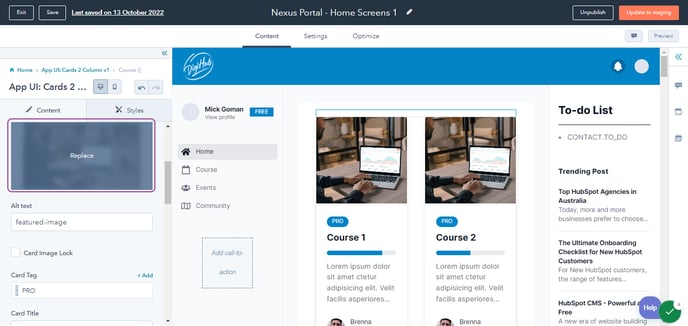
- Update Image
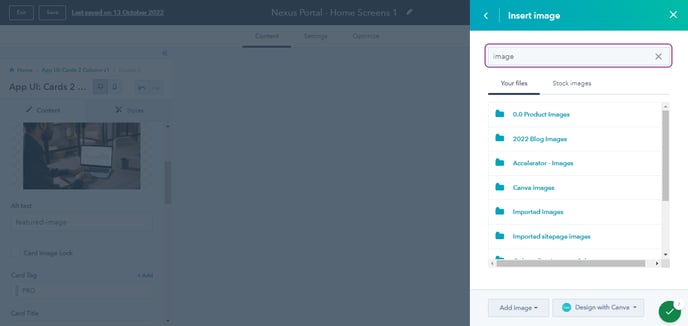
- Search "image"
- Type "TAG"
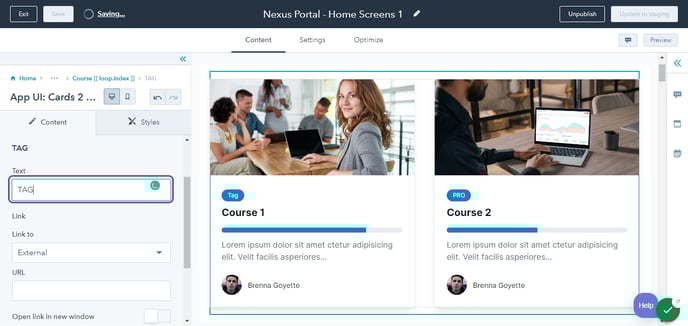
- Type "Course Title"
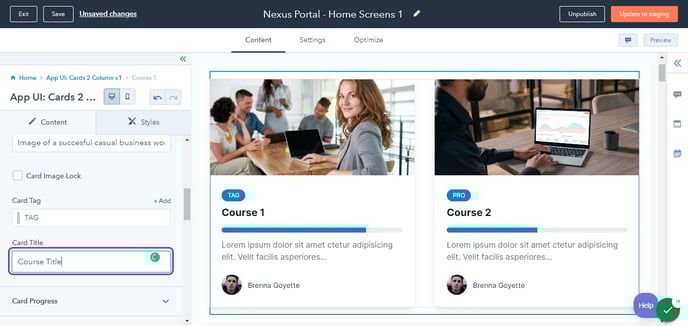
- Update Progress Bar
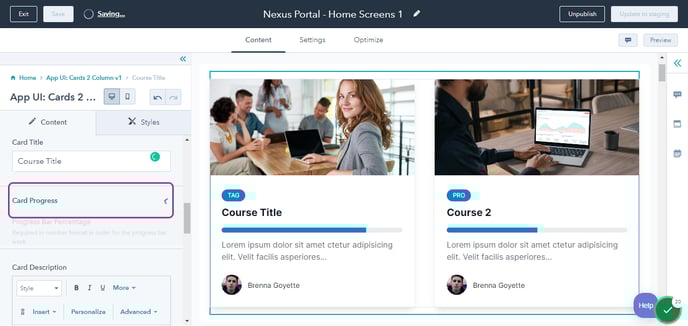
- Type any number from 1-100
Please take note that Personalize Token is also valid like for example {{ personalization_token('contact.partner_sales', '40') }}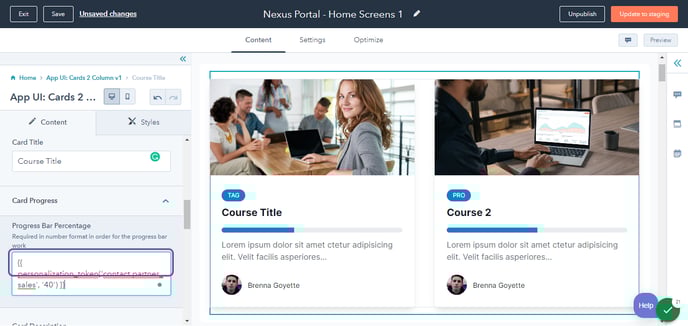
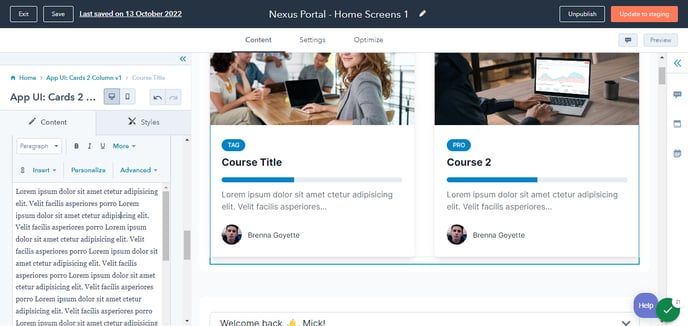
- Update Description
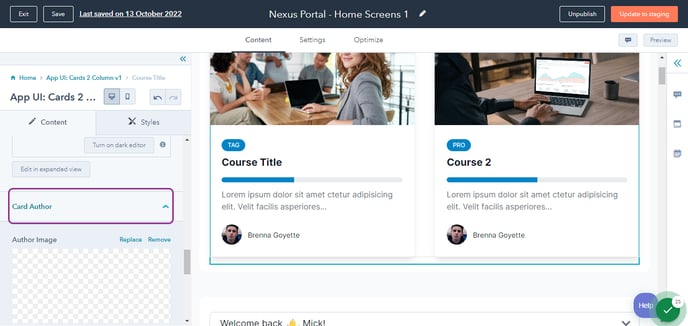
- Update Author
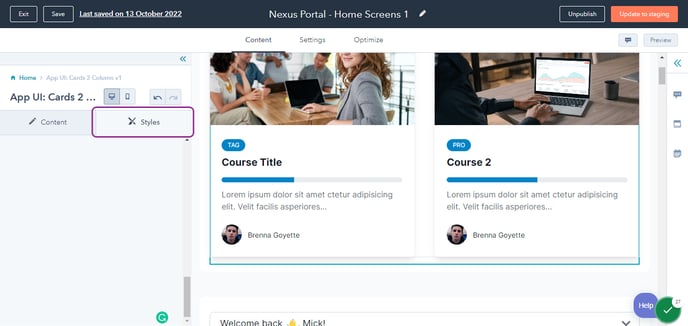
- Update "Style" if needed
- Click Preview
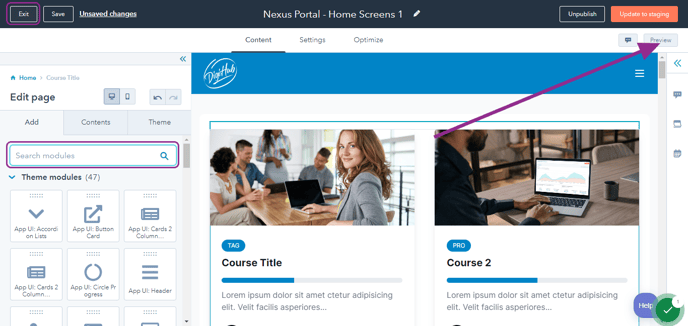
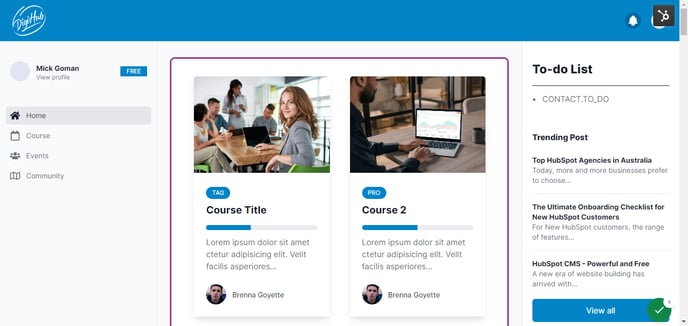
- Sample Output